こういった、切り詰められた文字を表示させてみる方法を解説します。
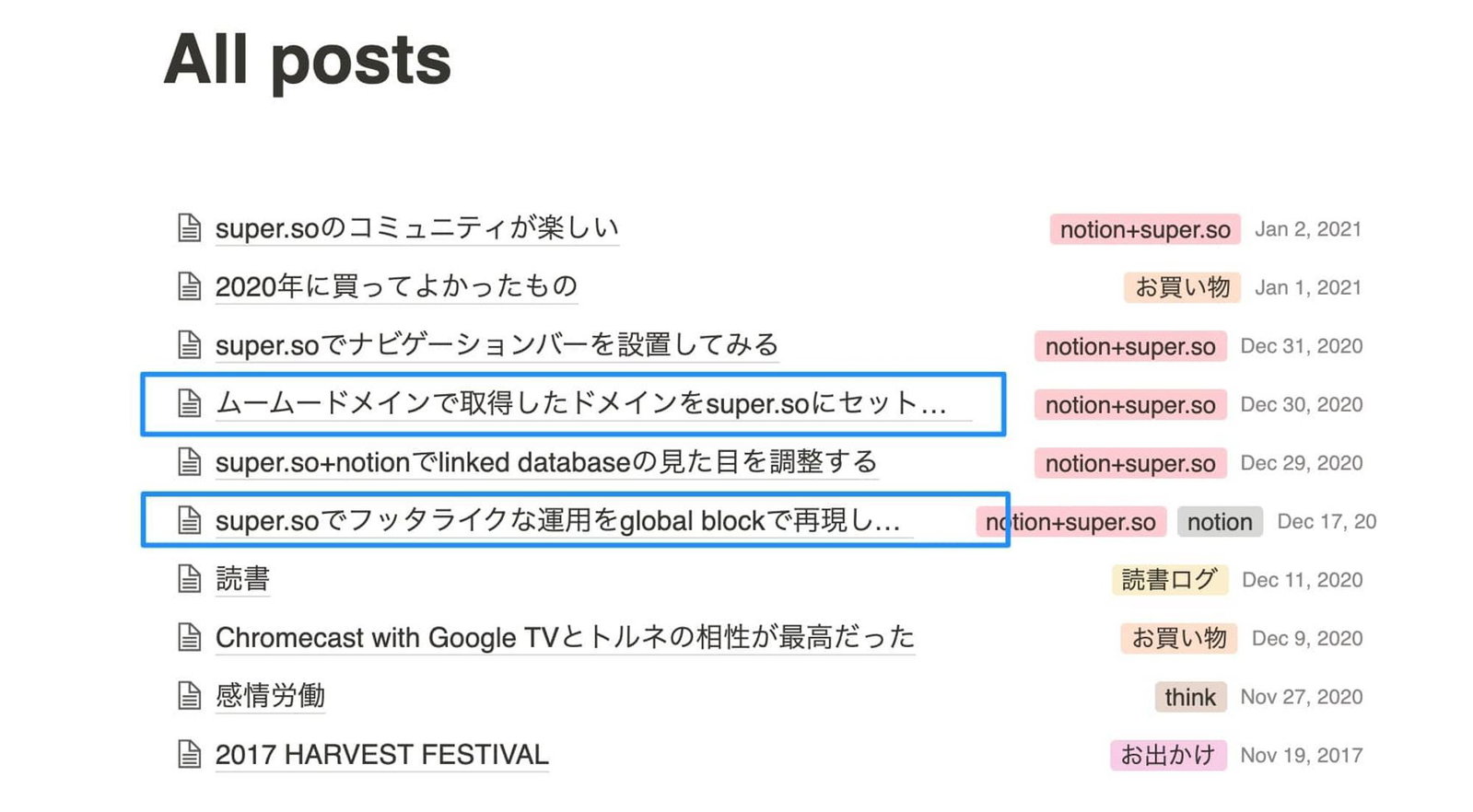
結論
以下三箇所の修正を行いました
notion-semantic-stringにて、タイトルを折り返しさせるnotion-property__dateにて、日付が折り返しされないようにするnotion-collection-listにて、改行処理を設定する
super.so流のCSS、ちゃんと理解しきれてないのできっともっと簡単な方法もありそうです、、、
具体的な作業
今回の該当箇所のソースはこんな感じになっています。
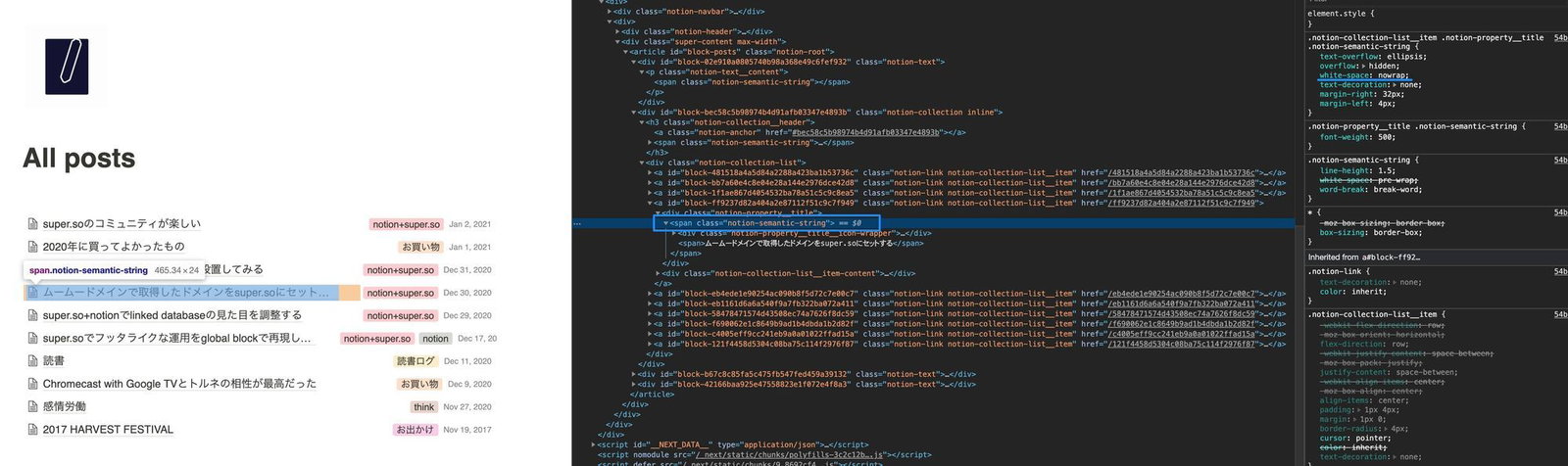
画像の拡大いつかできるようにしよう、、、
notion-semantic-string クラスで以下のCSSが効いています。
.notion-semantic-string {
    text-overflow: ellipsis;
    overflow: hidden;
    white-space: nowrap;
    text-decoration: none;
    margin-right: 32px;
    margin-left: 4px;
}
なので、ここのwhite-spaceを normal に書き換える記述をsuper.soのSnippet injectionに追加します。
.notion-semantic-string {
  white-space: normal !important;
}
すると、、、グッチャグチャになりましたw
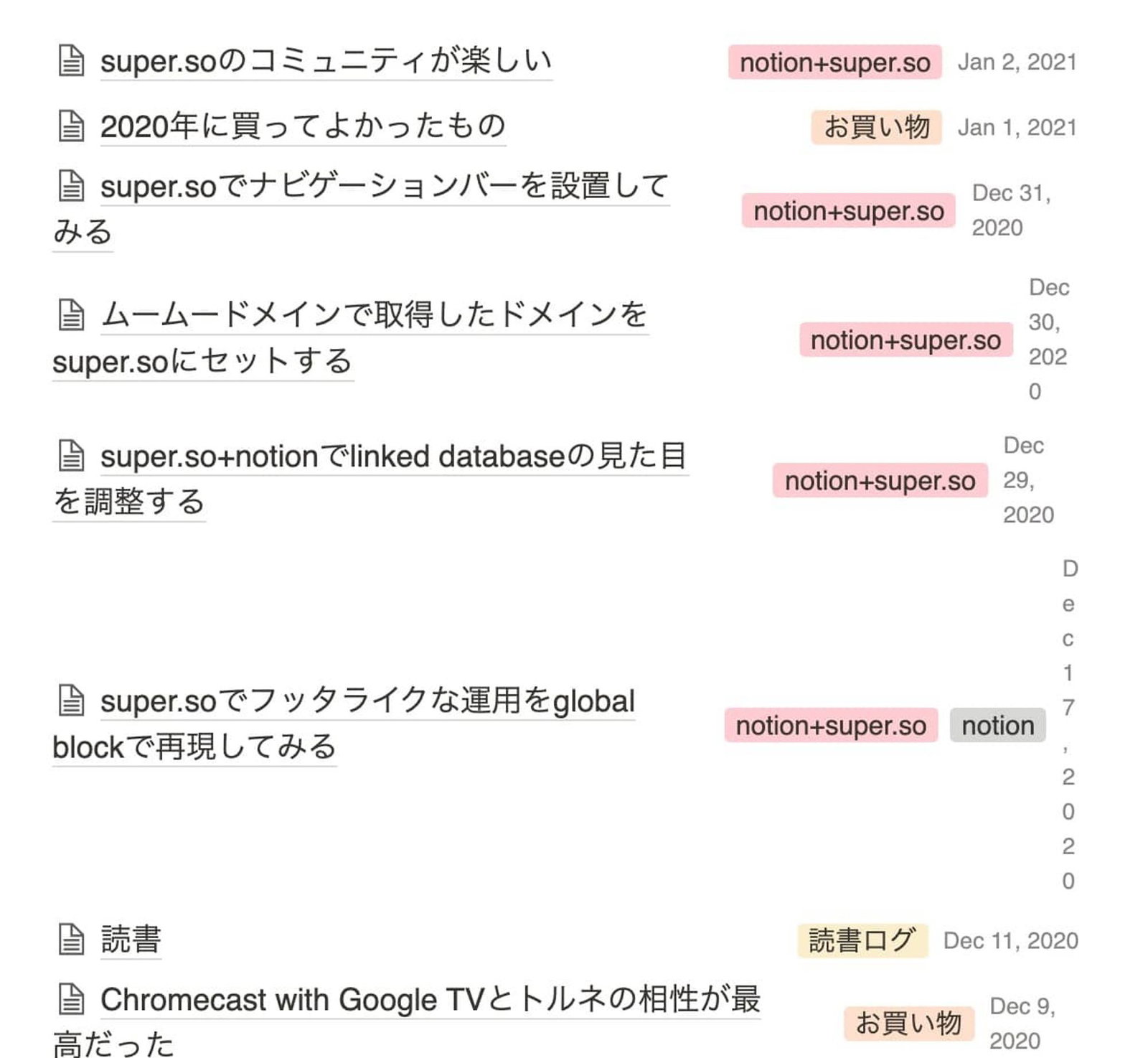
では、次に、「日付」エリアは改行されないようにするために以下記述も追加してみました。
.notion-property__date{
  white-space: nowrap !important;
}
すると、今度はこのようにうまくいきました。
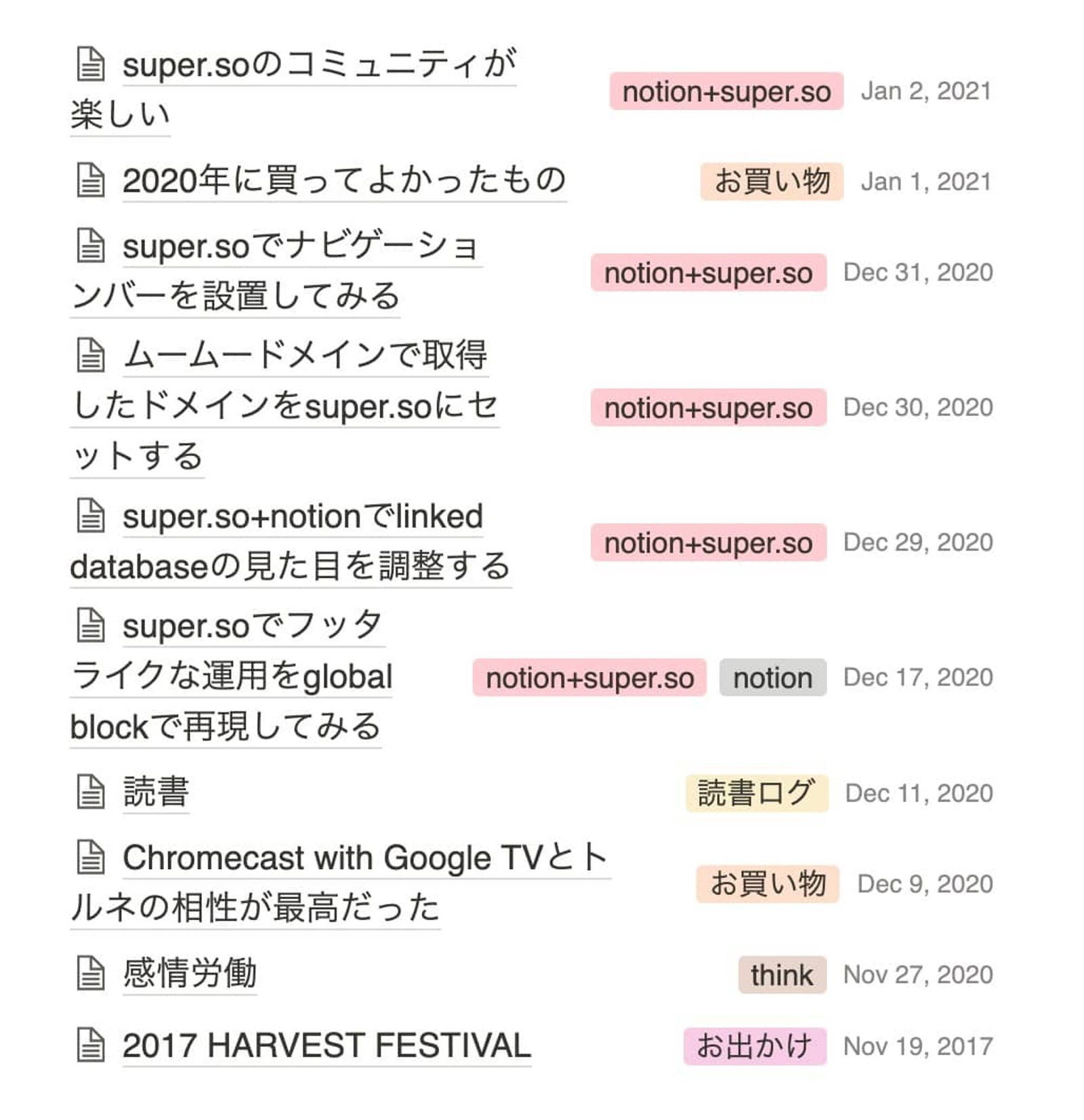
ここまで来ると、タイトルと、タグ+日付要素は改行してしまったほうが見やすくなると思い以下を追加。
.notion-collection-list, .notion-collection-list__item {
    display: initial !important;
}
結果はこちら
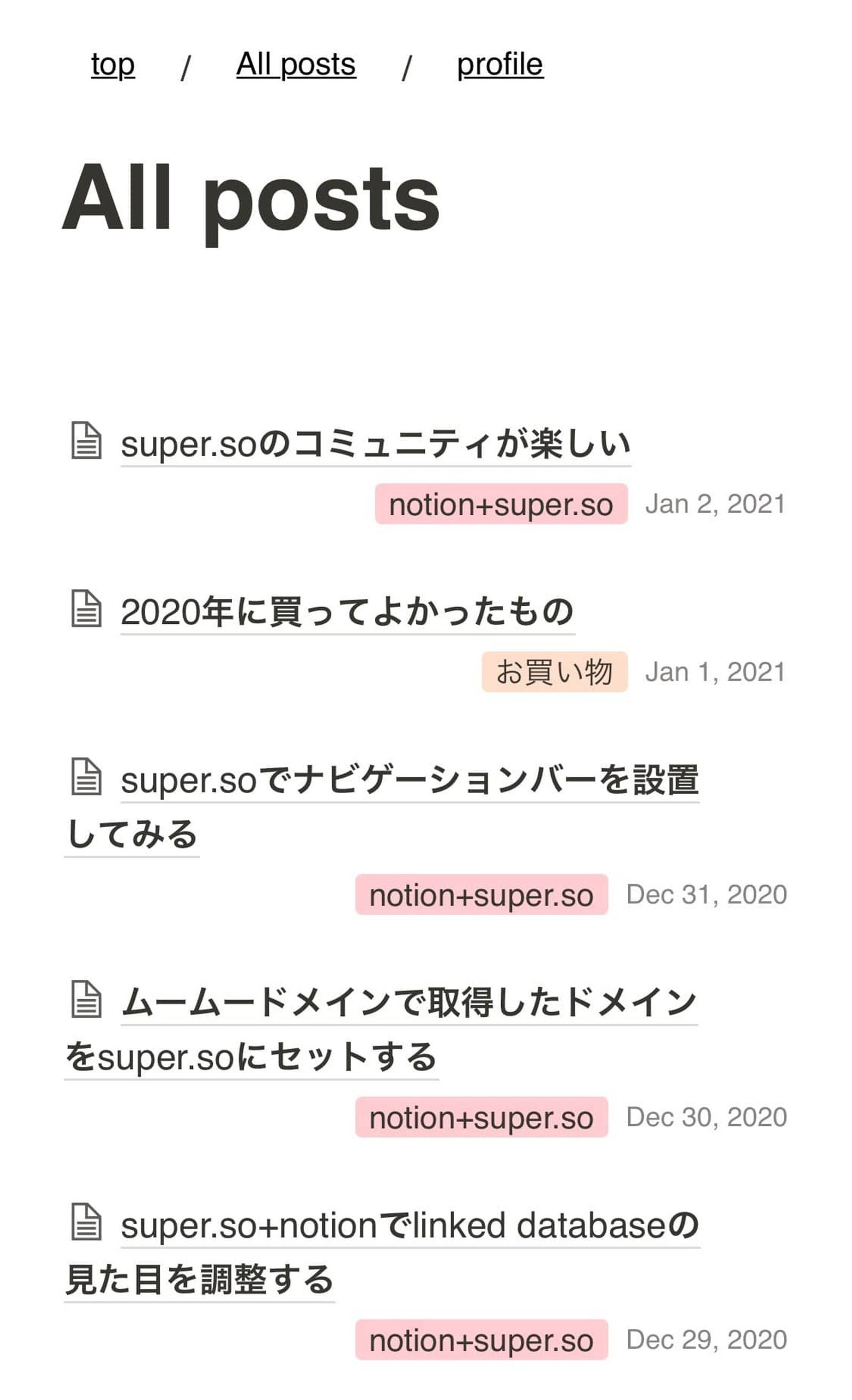
一旦この形で運用してみます。